

The GUI enables you to efficiently manage and adjust watering schedules in response to seasonal changes, ensuring optimal water use throughout the year.
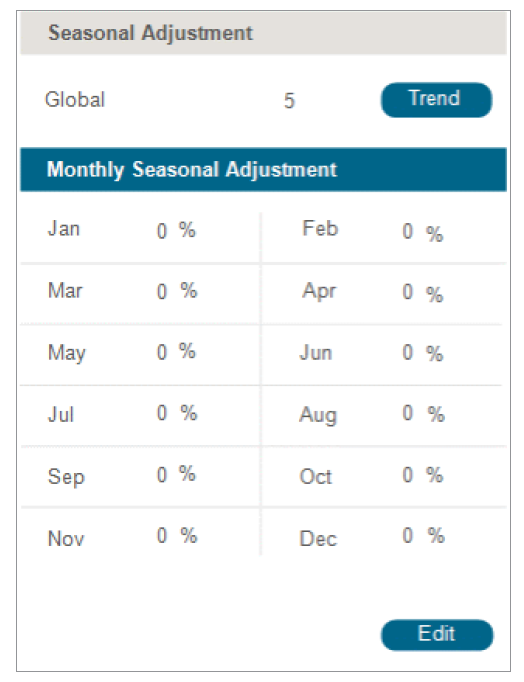
Global Adjustment: Set an overall adjustment factor that applies to all months. To change the value, enter a number directly in the provided field. The Trend button may display historical data.
Monthly Seasonal Adjustment: Fine-tune adjustments for individual months: Each month can be adjusted independently by entering a percentage value. Editing Adjustments
Edit Mode: Click the Edit button located at the bottom of the Monthly Seasonal Adjustment section.
Adjust Monthly Values: Make changes by entering new percentage values for any month that requires adjustment.
Confirmation: Confirm changes according to system-specific prompts to ensure adjustments are applied correctly.
Still need help? We're here.
Tell us what you need support with and we'll find the best solution for you.