

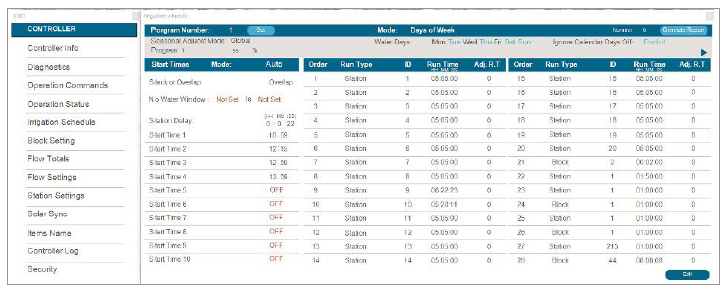
The Scheduling tab is the primary programming tool for the ACC2 Controller’s irrigation functions. The Scheduling screen provides a spreadsheet view of most major ACC2 features. Each controller in a system has its own Scheduling tab. The settings on the Scheduling tab merely reflect the features of the ACC2 Controller.
- Seasonal Adjust Mode: Set a percentage adjustment for all run times by Controller or Program, create a Monthly schedule for the controller to follow automatically, or assign the program to Solar Sync for automatic adjustment.
- Controller: The Seasonal Adjust value will follow the setting for the controller level; all programs set to Controller will receive the same manual adjustment.
- Program: The Seasonal Adjust factor entered here will apply only to the selected program and is not affected by other adjustments.
- Monthly: Enter the adjustment value for each month of the year in advance (usually based on historical weather averages); these adjustments take effect automatically on the first of each month and remain unchanged throughout the month.
- Solar Sync: The selected program is automatically adjusted by a Solar Sync Sensor attached to the controller; this requires a sensor and setup at the Devices menu (Set Up Solar Sync).
Still need help? We're here.
Tell us what you need support with and we'll find the best solution for you.