

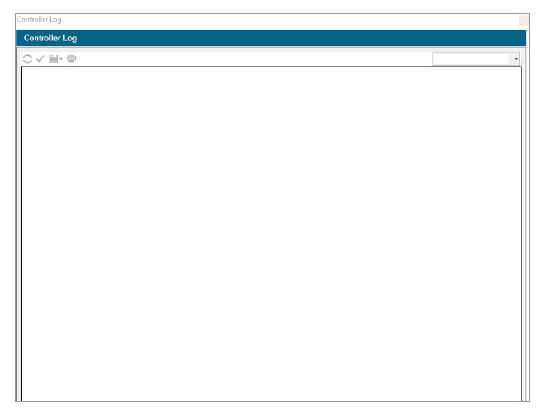
There are three types of logs that can be selected from the drop-down list at the right corner of the screen.
- Alarm Logs: The controller will store up to 250 alarm logs, including the date and time, starting with the most recent alarm. Use the dial to advance forward and backward through the alarm list.
- Controller Logs: Other significant messages that are not technically alarms are stored in the controller logs (up to 250 events). They are also arranged by date and time, with the most recent log at the top.
- Station Logs: Station logs record every single event that occurs in the controller (up to 1,500 events), starting with the most recent. This can be useful for advanced troubleshooting or verifying that a station has actually watered.
- Export Logs: From the Save icon, you can export the controller logs in CSV or JSON format, in addition to printing them.
Still need help? We're here.
Tell us what you need support with and we'll find the best solution for you.