

1
Turn the power off.
2
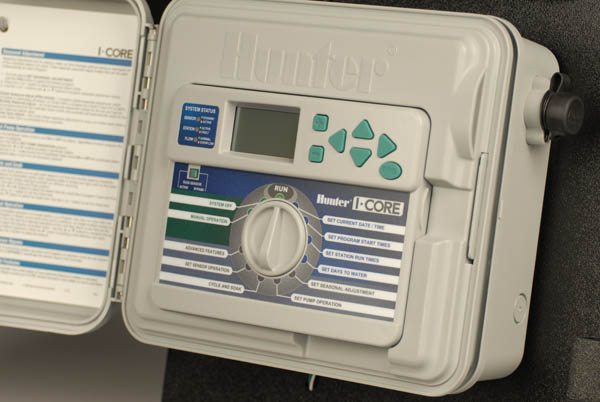
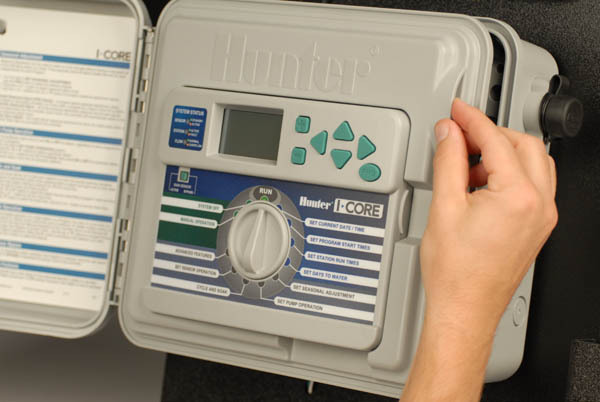
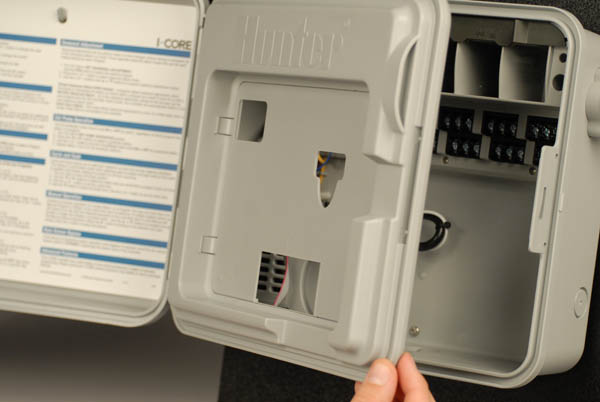
With the controller's power off, open the face panel's door (similar to how the front door of the controller was opened).
3
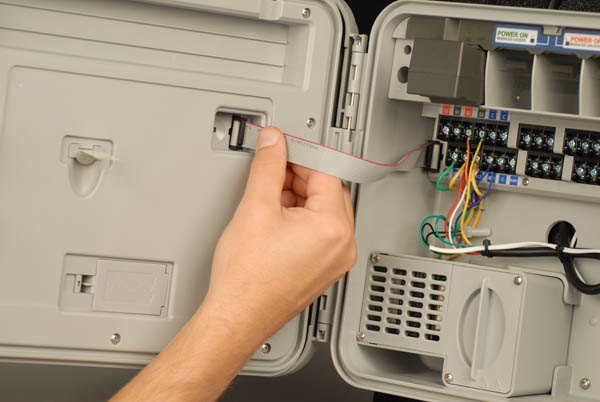
Once the front panel's door is open, locate the grey ribbon cable in the top right corner on the back of the face panel.
4
Carefully unplug the ribbon cable by pulling it out on the black plastic plug.

5
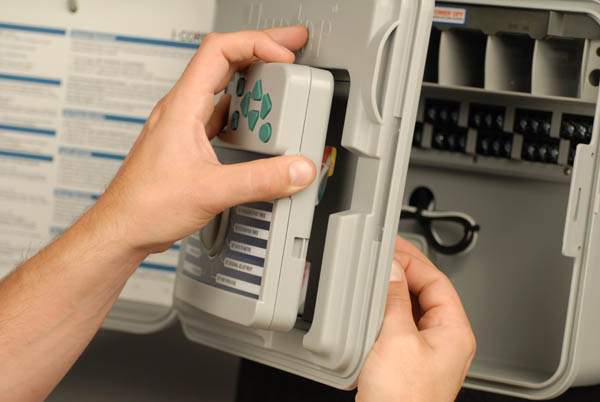
Press the tab release on the back of the face panel door to the left to release the panel from the frame.

6
With the tab release pressed, the face panel can be removed from the door frame.
7
To install the new panel simply reverse this process.

Still need help? We're here.
Tell us what you need support with and we'll find the best solution for you.