

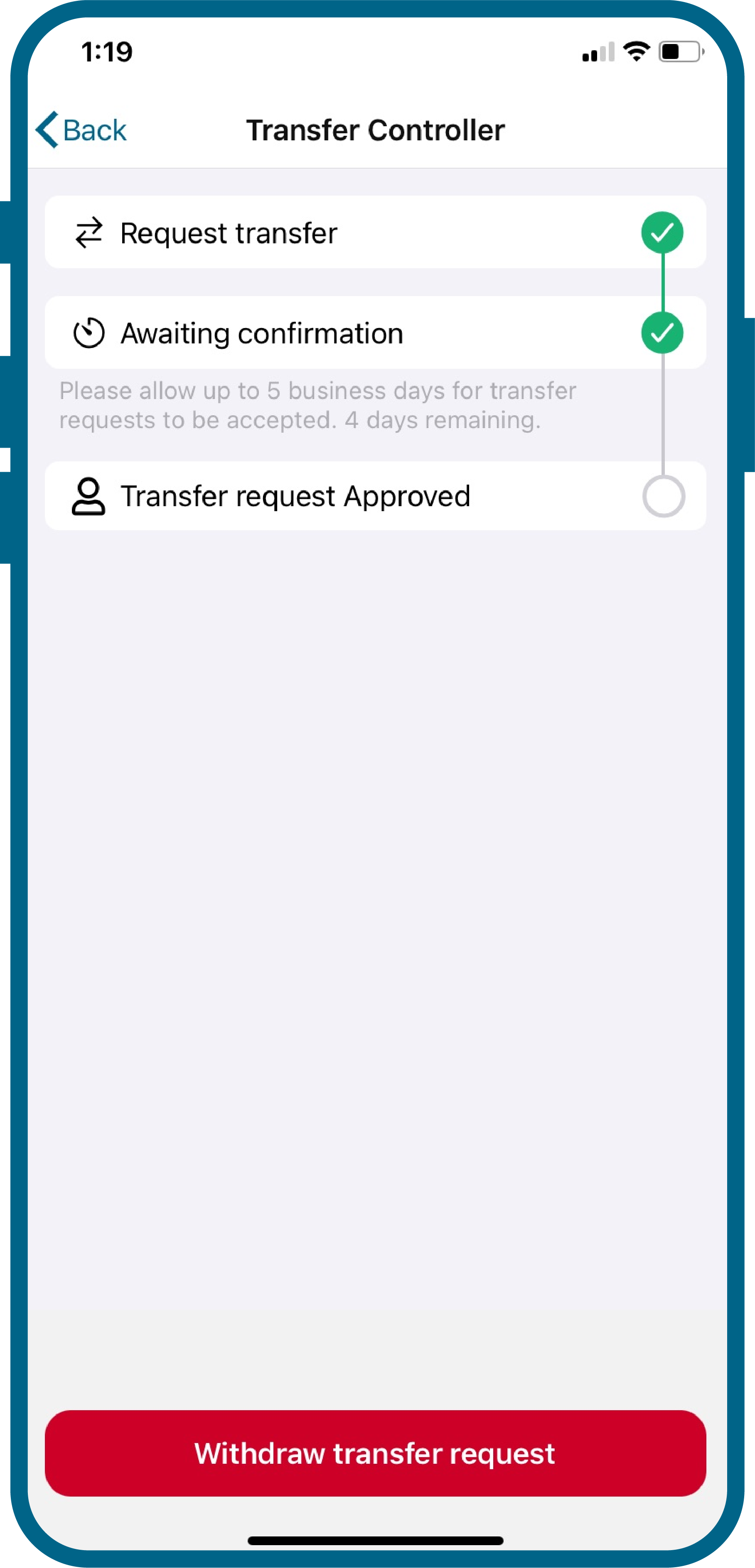
If you see the message Serial Number is in Use, you’ll need to request an ownership transfer from the original account holder. The transfer process can take up to five calendar days.
- The original owner can accept or decline the request.
- If the request is declined repeatedly, the only solution is to replace the controller.
- If the owner takes no action after five days, the controller (serial number, controller name, zone names, and zone images) will be moved to your Hydrawise account.
- If the transfer is accepted within five days, the controller (serial number, controller name, zone names, and zone images) will be moved to your Hydrawise account.
IMPORTANT: After the controller is transferred, you will see two controllers in your account. You can delete the unnecessary trial controller. Learn More
Please follow the steps below to request the official transfer of the serial number for controller models HC, Pro-HC, HPC, or HCC.
Ownership Transfer

- In the Hydrawise app, when setting up a new controller, enter the Serial Number. If you get a message that the Serial number is in use, tap the Proceed button to request the transfer of ownership.
- From the controller screen (HC, PRO-HC, HPC, or HCC), tap on Zones.
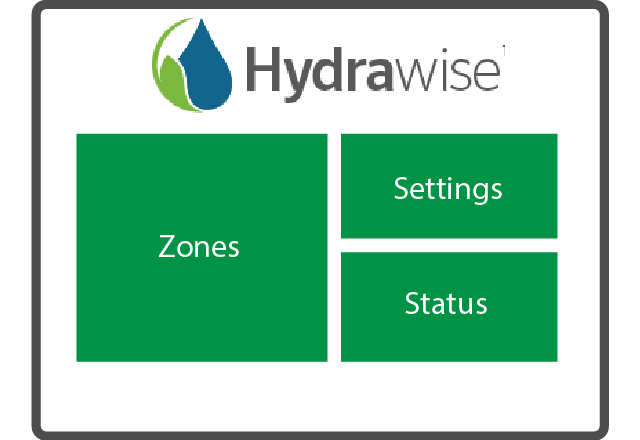
- Note the names of Zone 1 and Zone 2. Enter their exact Names into the App (e.g., Front Lawn, Back Lawn, etc.) when prompted.
- Tap Continue. If entered correctly, an ownership transfer email will be sent to the controller's current owner. The owner can accept or deny the ownership change.
- From the app's home screen, you can view the status of your requested transfer under Your Notifications.
Warning Messages
| Message | Description |
|---|---|
| Warning | 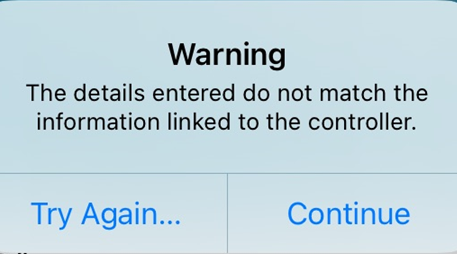 |
| Security Questions | 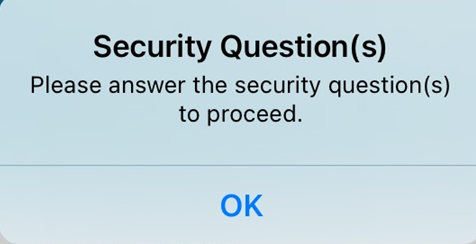 |
Still need help? We're here.
Tell us what you need support with and we'll find the best solution for you.