

Optimized Tables When watering using flow-optimized schedules from the central computer, the central control sends a list of flow-optimized events to the field controller. The event list is placed in a table for review when troubleshooting the system. The tables are called optimized tables.
Optimized Tables
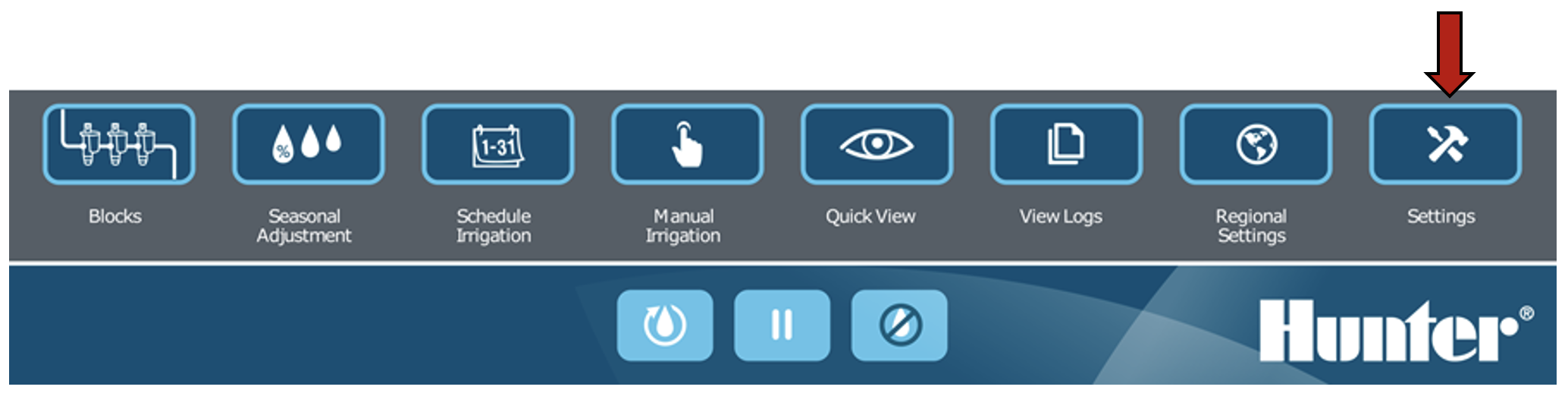
Press the SETTINGS button.
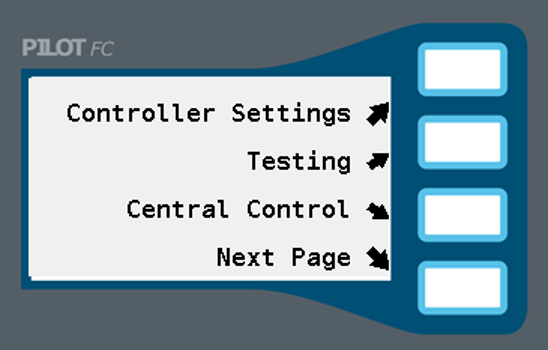
Select CENTRAL CONTROL. If the field controller already has a number it will be shown inside square brackets [ ].
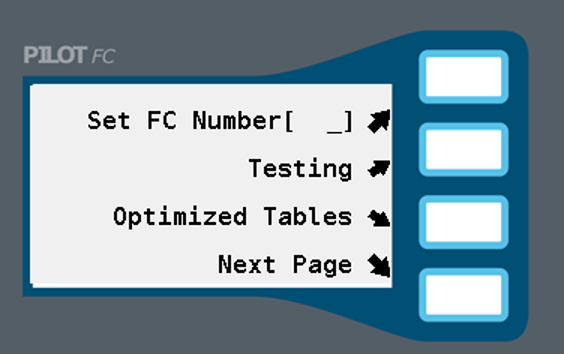
Select OPTIMIZED TABLES.
Select SHOW TABLE DETAILS to view a detailed listing of flow optimized events.
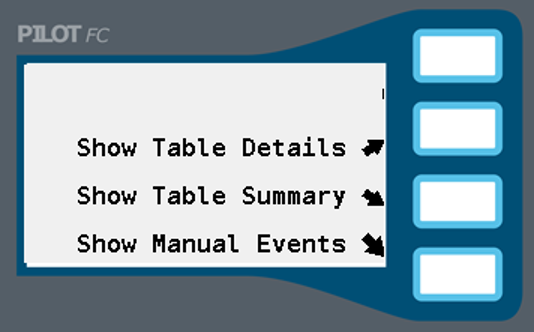
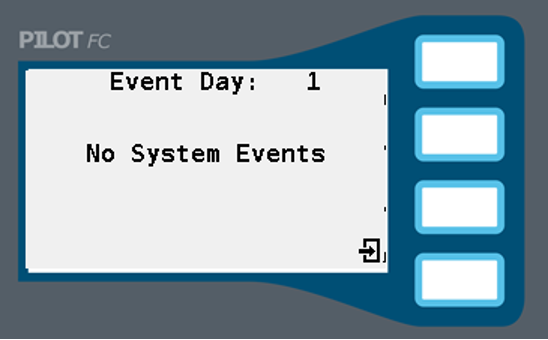
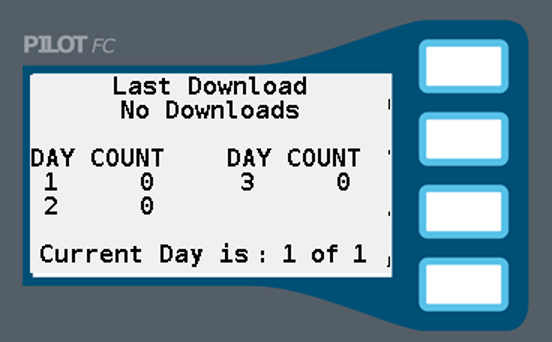
Select the return button and select SHOW TABLE SUMMARY to view a summary of the flow optimized events.
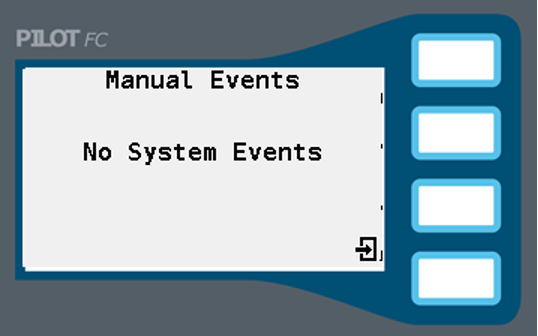
Select SHOW MANUAL EVENTS to view a detailed listing of maintenance radio activity.
Still need help? We're here.
Tell us what you need support with and we'll find the best solution for you.